Obtain S3 credentials for EODATA Access from NSIS Cloud Dashboard
What we are going to cover
VM-generated vs. Dashboard-generated EODATA credentials
To configure access for EODATA repository, you will need to provide the access and secret keys. There are two ways to obtain them:
- From a VM in NSIS Cloud
You can obtain one credential pair from the VM itself, as described in How to get credentials used for accessing EODATA on a cloud VM on NSIS Cloud.
This VM-generated pair is not visible in the dashboard. You cannot set an expiry date, reset the secret, rotate it, or delete it from the dashboard.
- Using option EODATA Access from the NSIS Cloud Dashboard
With this option, you can create and manage additional credential pairs, including setting expiry, resetting the secret, and deleting pairs.
It is this option that this article is going to cover in detail.
Local vs. remote EODATA Access
Once you get a set of credentials, you can access EODATA either from your local computer or from a VM in NSIS Cloud. Because a cloud VM is much closer to the EODATA repository, downloads to the VM are usually significantly faster than downloading to your local machine. For that reason, this article assumes you will use the credentials from a VM in NSIS Cloud after generating them in the dashboard.
Prerequisites
No. 1 Account
You need a NSIS Cloud hosting account with access to the Horizon interface: https://tm.nsiscloud.polsa.gov.pl/login.
No. 2 Virtual machine
You need a virtual machine running on NSIS Cloud cloud on which you want to access the EODATA repository. Make sure that you add the eodata network to it during its creation. This network provides connectivity to the EODATA S3 endpoint from within the cloud.
If your VM was created without the eodata network, attach an additional interface to the VM from Horizon before continuing.
The following articles can help in creating a virtual machine and access it via SSH protocol:
Create a new credential pair in the dashboard
Click on EODATA Access option in the left side menu:
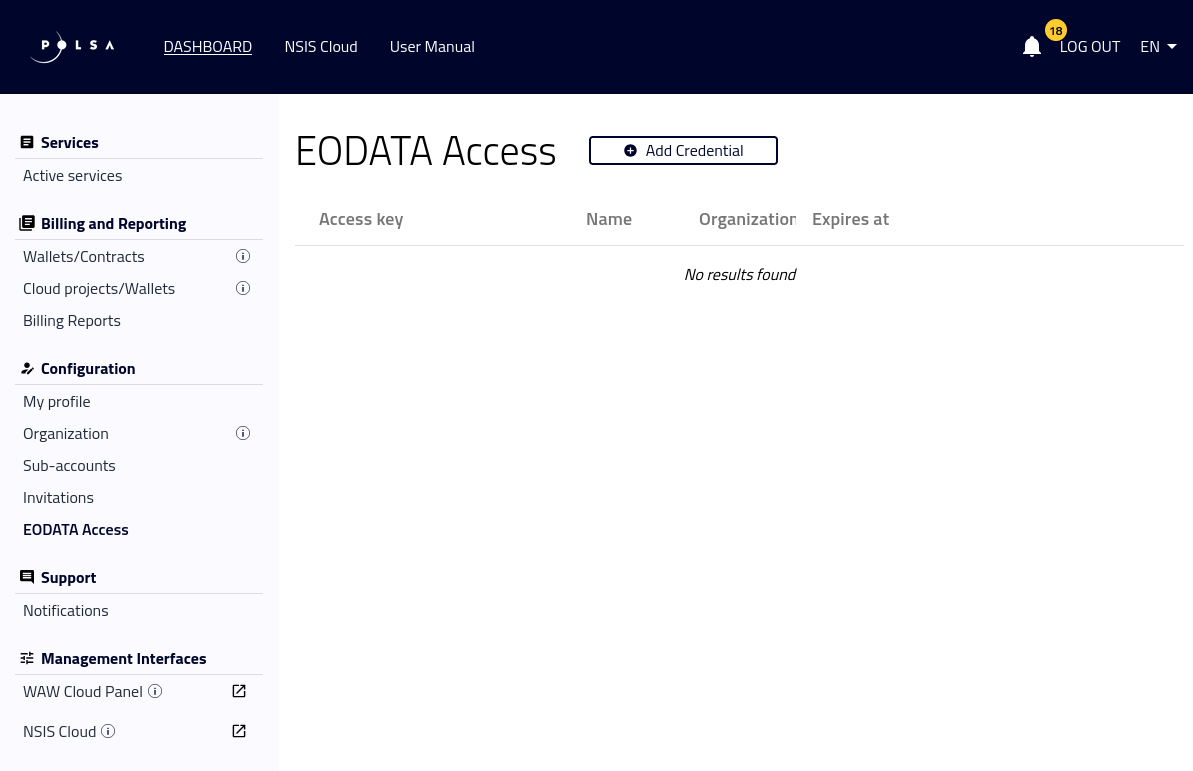
Basic EODATA Access screen
Click the button + Add Credential to create a new credential pair:
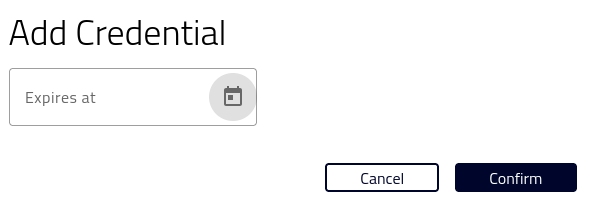
Click + Add Credential
Use the calendar, or type the date manually in the format shown in the UI. The expiry time is interpreted in the dashboard timezone:
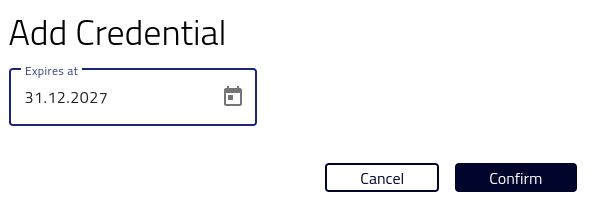
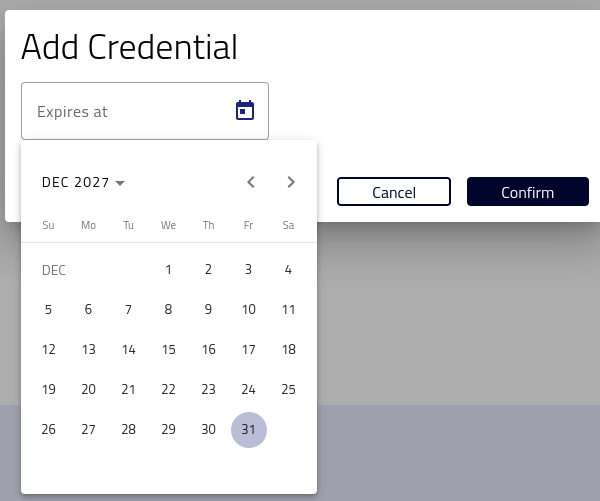
Either way, you will next see a modal window with the generated values of the access and secret keys:
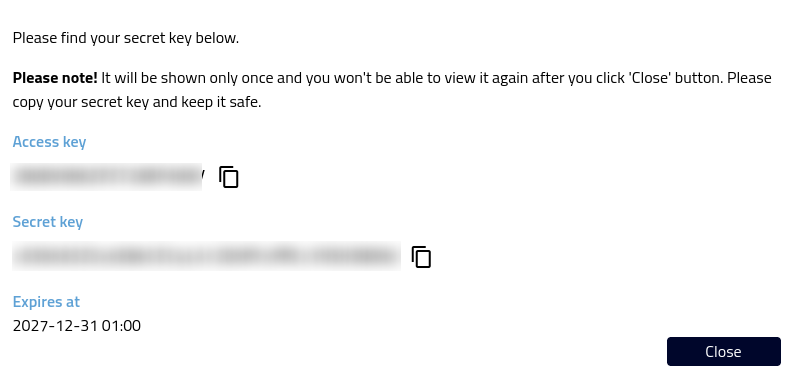
Modal window with the credentials pair
Warning
The secret key is displayed only once. After you click Close, you cannot view it again. Store it securely (for example in a password manager or secrets vault).
You will paste these values into your tools (for example boto3, AWS CLI, or s3cmd) as the Access Key ID and Secret Access Key.
The created pair of credentials will be added to the list of the existing credentials:
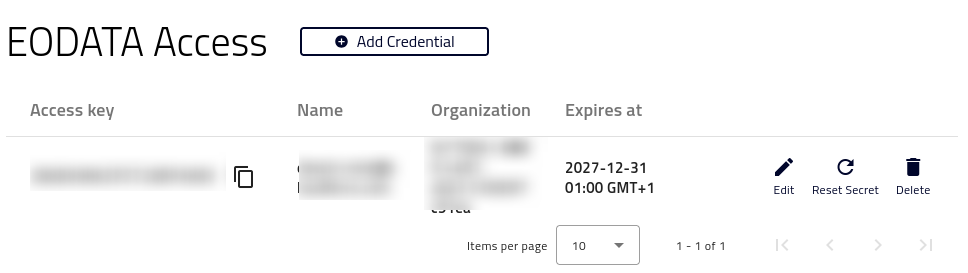
The list of credentials pairs
Manage existing credential pairs
There are three options that can affect the chosen credentials pair:
- Edit
You can only edit the date at which the credentials will expire.
- Reset Secret
You must confirm that you want to reset the secret key. After reset, any tools and workflows using the old secret key will immediately stop working until you update them with the new credential pair.
If the possibility of data breach is high, then you might want to switch credential pairs for security reasons. If that situation keeps reoccurring, implement a credentials rotation scheme, in which you intentionally switch from one set of credentials to another, in regular time intervals.
- Delete
Delete the credential pair when you no longer need it, or if you suspect it has been compromised.
Troubleshooting
- I closed the modal window without copying the secret key
Create a new credential pair or use Reset Secret to generate a new secret key.
- Access denied or signature mismatch in tools
Verify that you copied the correct secret key, that your tool uses the correct endpoint, and that the VM has access through the eodata network.
What To Do Next
Once you have the credentials ready, you can use them in several ways to access and/or download EODATA from the cloud. All of the articles in EODATA will be relevant up to a degree; as far as the methods of downloading the EODATA files go, you can use boto3 library from Python, s3cmd, curl, wget, popular browsers and so on.