Jaka jest różnica między eouser i eoconsole w NSIS?
Podczas tworzenia maszyny wirtualnej w CentOS lub Ubuntu można zalogować się jako jeden z 2 różnych użytkowników: eouser lub eoconsole.
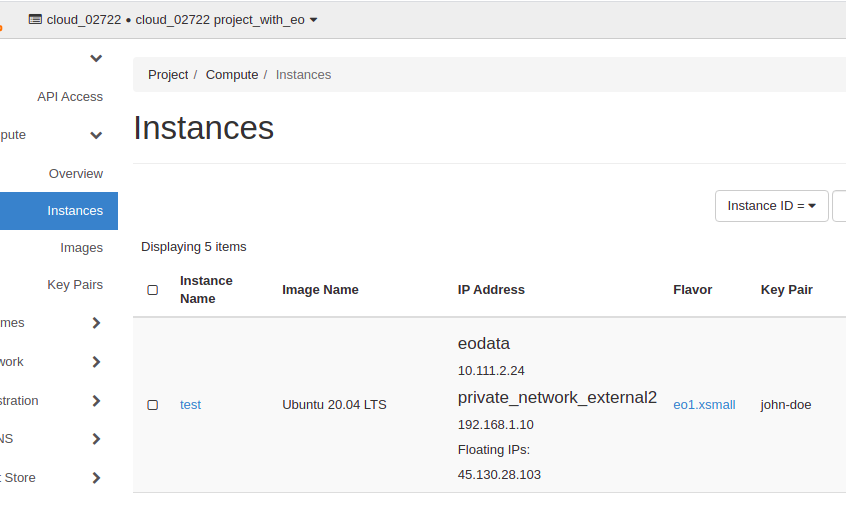
Możesz połączyć się z terminala jako eouser.
Nie jest wymagane hasło, należy użyć klucza prywatnego:
ssh -i <path to your private key> eouser@<ip address>

eg.

$ ssh -i .ssh/john-doe.priv eouser@45.130.28.103
The authenticity of host '45.130.28.103 (45.130.28.103)' can't be established.
ECDSA key fingerprint is SHA256:WYTkJAWIrneXK7+ERx5Ac+vc7rRV9Hgv5JDCMWWKfe8.
Are you sure you want to continue connecting (yes/no)? yes
Warning: Permanently added '45.130.28.103' (ECDSA) to the list of known hosts.
Welcome to Ubuntu 20.04.2 LTS (GNU/Linux 5.4.0-66-generic x86_64)

 * Documentation:  https://help.ubuntu.com
 * Management:     https://landscape.canonical.com
 * Support:        https://ubuntu.com/advantage

The programs included with the Ubuntu system are free software;
the exact distribution terms for each program are described in the
individual files in /usr/share/doc/*/copyright.

Ubuntu comes with ABSOLUTELY NO WARRANTY, to the extent permitted by
applicable law.

To run a command as administrator (user "root"), use "sudo <command>".
See "man sudo_root" for details.

eouser@test:~$
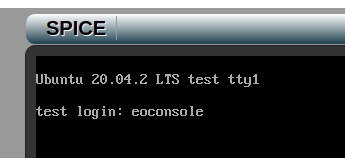
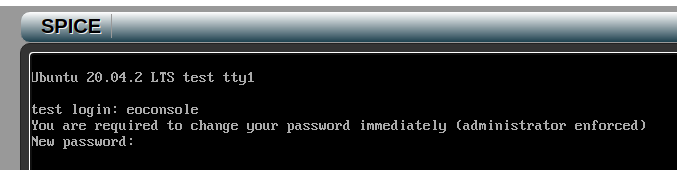
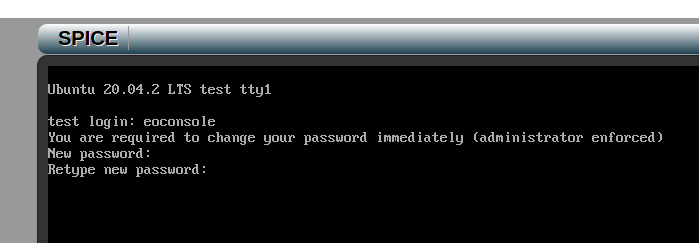
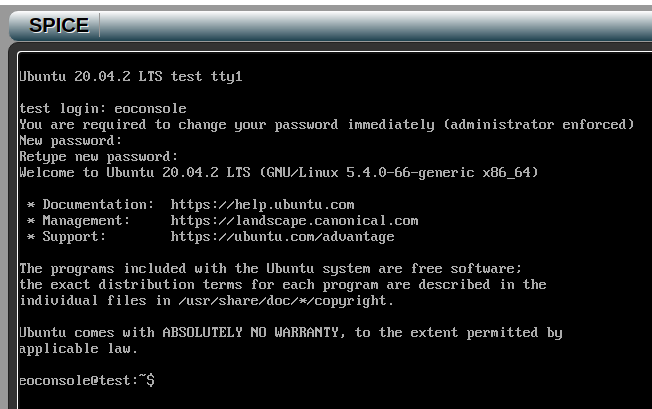
Możesz również połączyć się z OpenStack Dashboard (Horizon) za pomocą eoconsole.
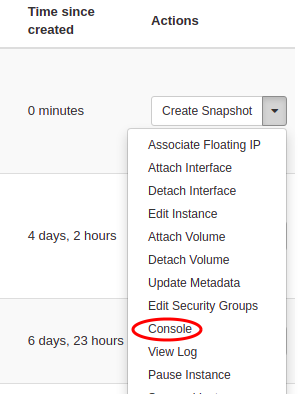
Zostanie wyświetlone okno terminala:
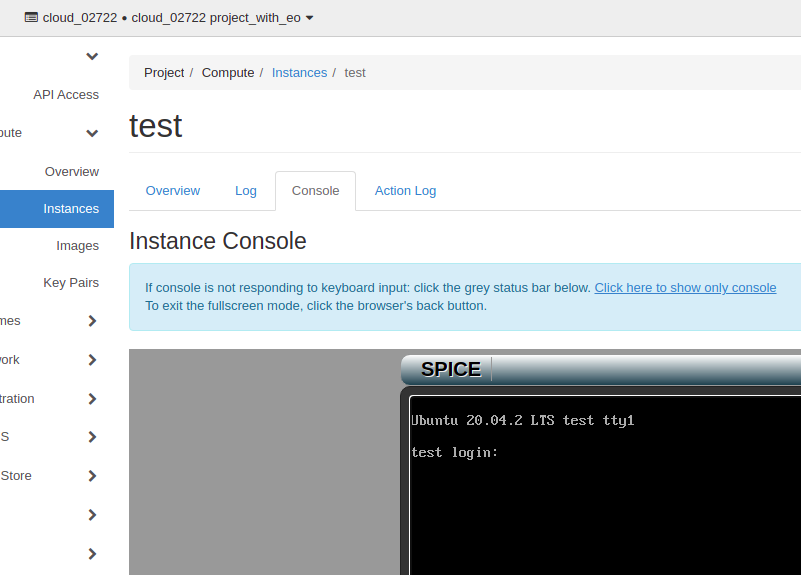
Login jest następujący: